Hexxmap
A downloadable tool for Windows

HEXXMAP is a fun to use hex tile map editor with cool features.
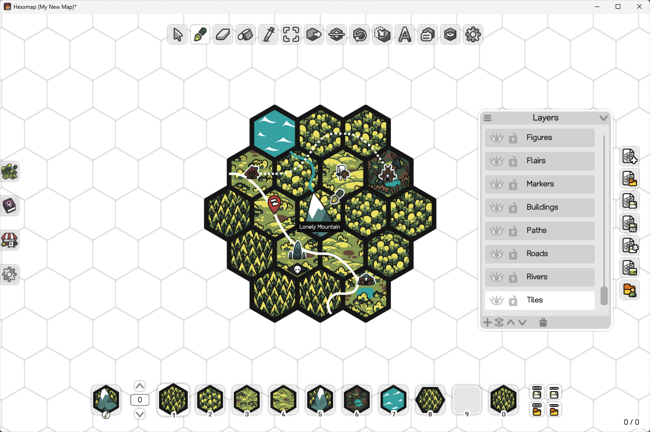
Here is what you get:
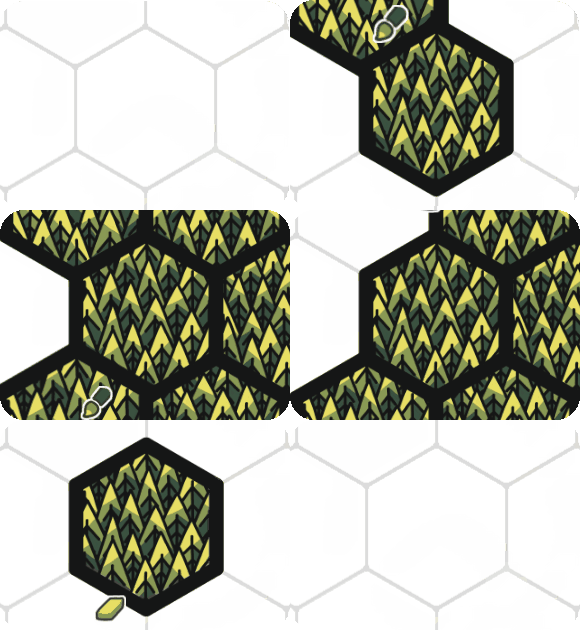
PAINT & ERASE |
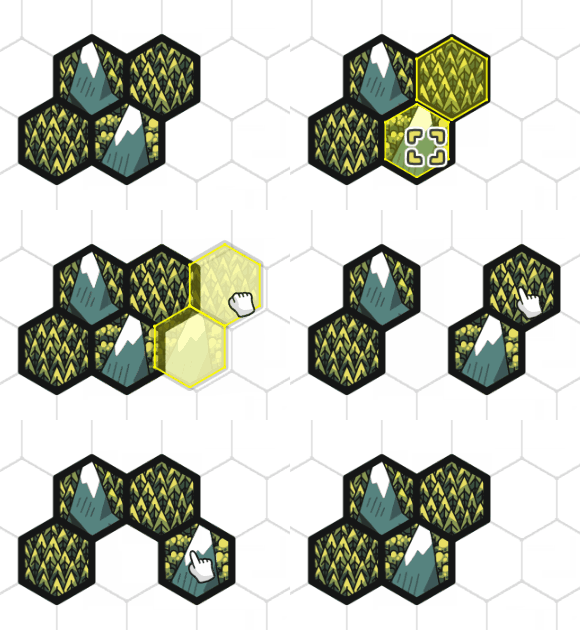
SELECT & MOVE |

FLIP & ROTATE |
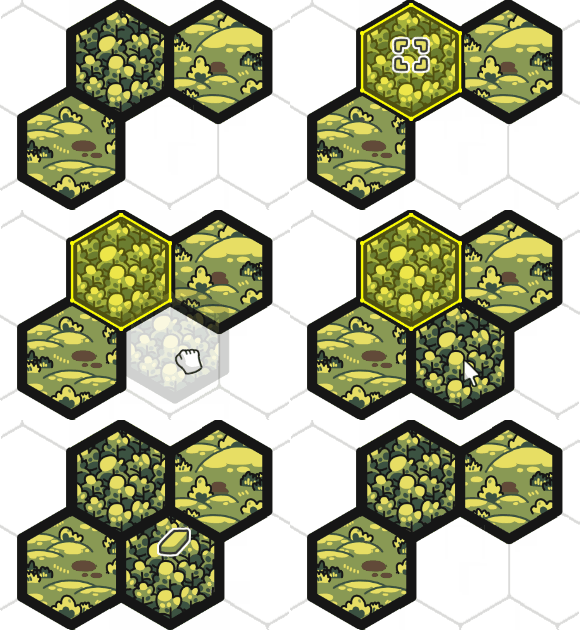
COPY & PASTE |

TILE OFFSET |
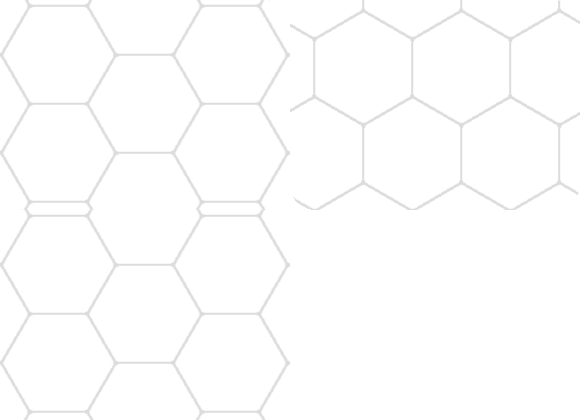
FLAT & POINTY |
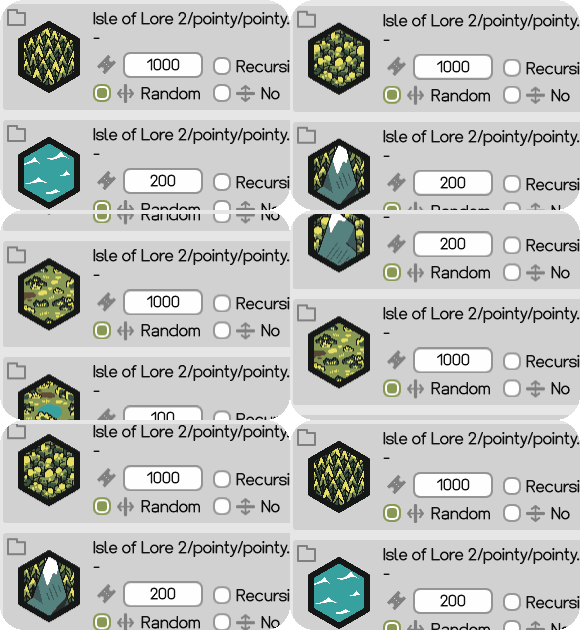
SAMPLER |

DYNAMIC GRID |
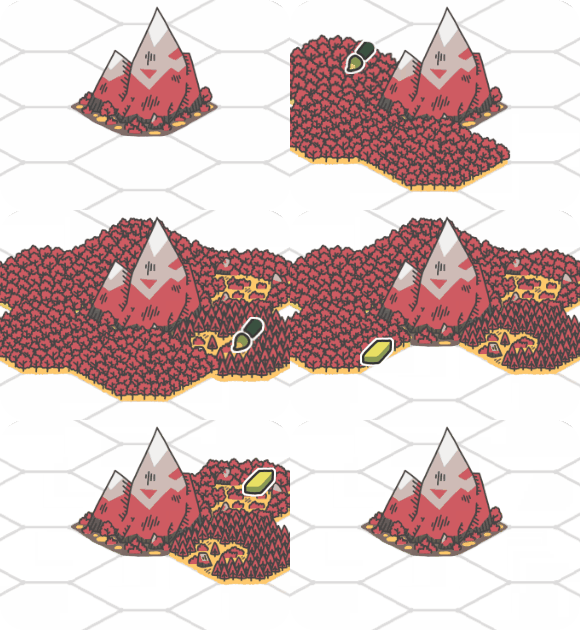
IRREGULAR TILES* |

MAP LABELS |

TILE STORIES |
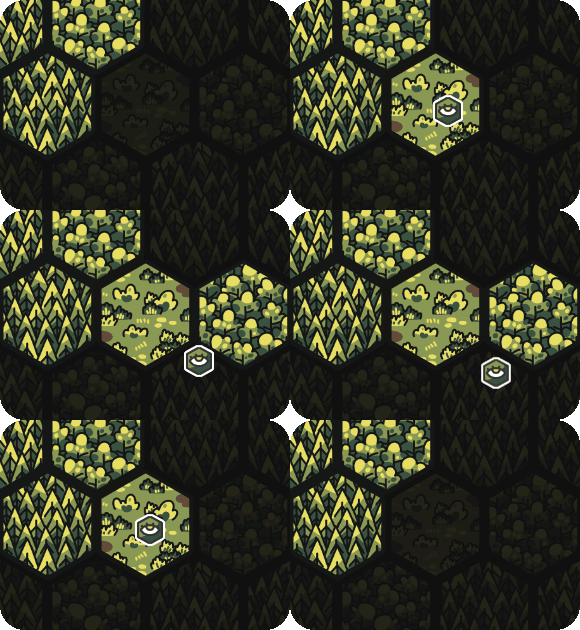
FOG OF WAR |
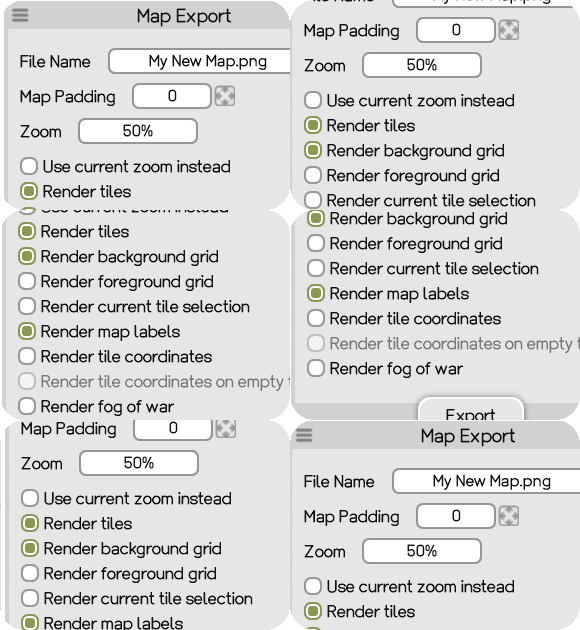
EXPORT TO PNG |
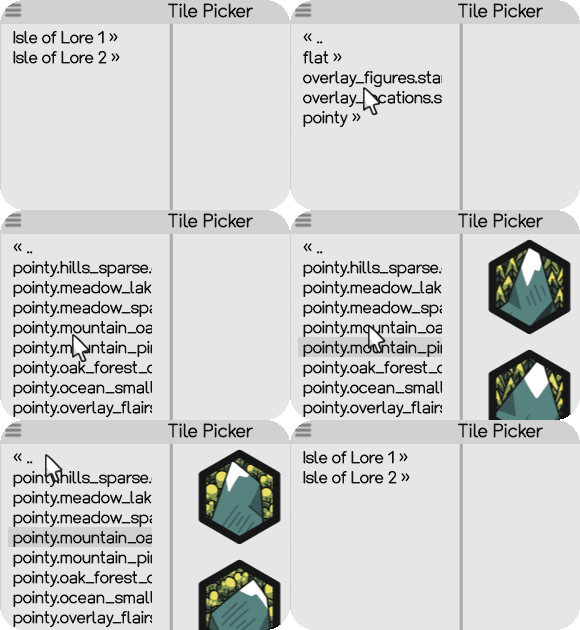
IMPORT TILES* |
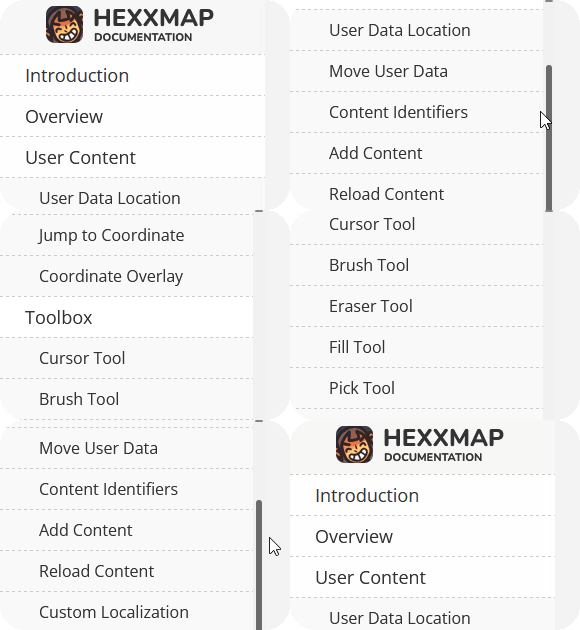
DOCUMENTATION |
*Isle of Lore 1 hex tiles are not included. Instead, you'll get a selection of Isle of Lore 2: Hex Tiles and Isle of Lore 2: Strategy Figures as part of your purchase.
HEXXMAP can be used commercially, given its license. Mailing List subscribers got a 30% discount on release, although that promotion is over, I sometimes give out exclusive discounts on my list.
Minimum system requirements: Windows 10 (64-bit), dual-core 2.0 GHz processor, 4 GB RAM, OpenGL 3.0 compatible GPU, 200 MB available space. Performance depends on the size and complexity of the map.
Questions, problems or feedback? Contact me or join my Discord Server.
Purchase
In order to download this tool you must purchase it at or above the minimum price of $29.99 USD. You will get access to the following files:
Development log
- Version 1.2 - HotfixMar 25, 2026
- Version 1.1 - HotfixMar 20, 2026
- Version 1.0 - Hexxmap released!Mar 20, 2026

Comments
Log in with itch.io to leave a comment.
Can this handle a 1000 by 1000 tile map?
I intend to use it for designing the world of a hex grid game
What size in pixels are the tile images and how much RAM does your computer have?
I have 64GB (computer strong) and I can make the images quite small, the important thing is for them to convey meaning and not necessarily be pretty.
I am just curious at which tile count does the software slow down? How many tiles can I move at once without significant slowdowns? I want to make sure that its still somewhat usable even if I have to make large edits to the map. Would be very thankful if you could try out some crazy manipulations like this and come up with functional limits to multi-tile editing
Can you write me at info@stevencolling.com? :)
I did some stress tests by repeatedly copy pasting smaller hexagon shapes into bigger ones. Here are some numbers:
Selection:
FPS became sluggish at around 15000 selected tiles, but still very much usable.
At 90000 selected tiles I was down to about 4-5 FPS. Considering I would rarely need to move that many at once, I would say this is completely adequate.
Pasting:
Pasting 90000 tiles takes about 3-4 seconds. I did this 5 times and then selected what was now nearly half a million tiles and pasted them on another layer, I had to do this because FPS had become seconds per frame, and It would take forever to move far enough away. Pasting took multiple tens of seconds, but it actually managed to do it, which is quite something.
I did have to mash the left mouse button quite a lot to actually place the tiles which means input during these rendering tasks is not registered/cached, so that is a suggestion for big map QoL.
Usability with high tile counts:
The map with nearly a million tiles opens and is usable within 10-15 seconds.
As long as you don't have crazy amount of tiles selected, the FPS is actually great even with a million tiles, and tile painting is buttery smooth.
One issue with a map this big is that it becomes difficult to find things, something like a "frame/focus" function is quite needed to teleport the view to your selection.
Overall I am very impressed and happy with the results!
+1 for JSON export and +1 for native Linux version (maybe using Mono?).
Tiled-compatible export would also be nice.
Btw, does it work via Wine?
Thanks for the feedback! Someone made it run on Linux (no guarantee from my side though!), but I will have a look in making it available natively! :)
Sounds interesting, +1 for Linux support and various coordination schemes for hex tiles!
It works with Linux?
Not officially, but I'm looking into it after I finished work on a new hex tile pack! :)
Will have to try this out on my Windows laptop, but a Linux version would be sick.
Love this tool, the map art is gorgous. My only gripe at the moment is with the coordinates. I don't quite know how to explain ut, but is there any way to have the coordinate numbers be the same as in the attached image? In the default numbering, for example, 1/1 and 2/1 are the same, but 05.01 would become 5/-1 and so forth. It's not a huge trainsmash but if there is a way to adjust it, it would save a lot of effort in converting my maps.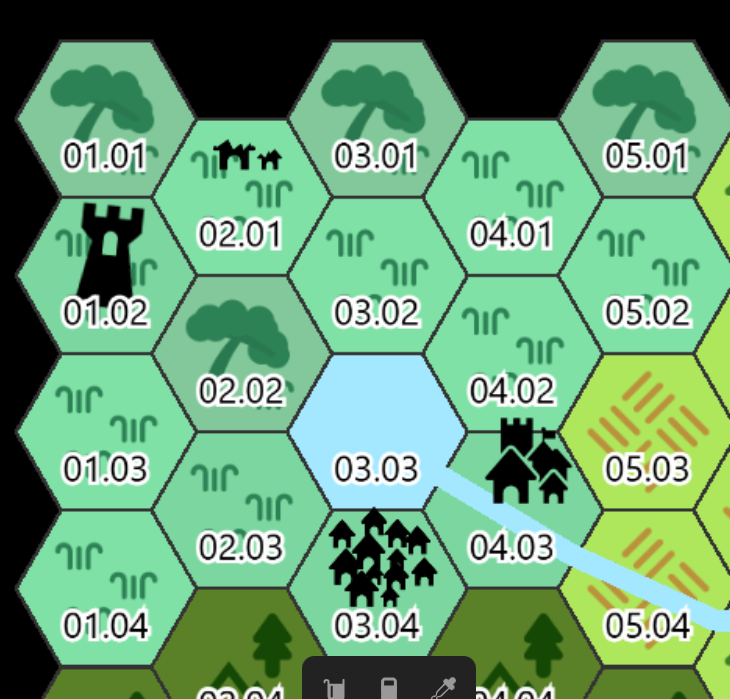
No problem, I will put it on my list! More flexibility in how tiles are numbered sounds like a good idea. :)
I dont suppose we can get a mac version?
Unlikely, sorry! :(
;(
I ditched Windows completely two years ago. Would be an instant buy with a Linux version.
Has anybody tried to run it under Linux with Proton or something like this?
Any plans for a Linux port? I've migrated all of my machines off of windows at this point and would love to move to a more modern/maintained tool for hex maps.
I will look into it at some point, but can't give a timeframe or guarantee. Given some of the libraries I use, I'm not sure if I can make it work. :(
Is there any feature(s) for, or guidance on, exporting to, or importing to, Foundry VTT?
I'm not all too familiar with Foundry, but one could load the exported image file (png) into it. I've uploaded the export of the sample map, available here, in case you want to try it out. :)
You may be able to get things to work so that Tile Stories data (with the map itself) can be imported into one of the Hex Crawl modules that are out there. Two that might be worth checking out are:
Hexplorer
World Explorer
Tapping into the Foundry market might really help the reach of this app. Folks being able to use Hex Kit (now abandoned by dev?) tile packs I am sure adds to the potential reach of this app.
Thank you for the insight, really appreciate it! More compatibility sounds like a good idea. Would you value Foundry support over other VTT in general or on a more personal note? By the way, Hex Kit tiles can be set up in Hexxmap with the following map properties: 160,190 / 50 / 160,140 / 0,0 (size, displacement, distance, offset).
I mean I have and have used most VTTs. It just seems Foundry has the best Hex Map features. Plus Foundry is more open environment where others seemed more closed. I think easier for indie devs…
(but see what others have to say here)
PS love you are doing this, I have the Isles of Lore and Icons and stuff, so repeat purchaser and fan… (Just FYI, if I am asking too many questions…)
No, I really appreciate it! :) I think there's nothing worse than absolute silence after releasing something. I will have a look at Foundry.
I don't see any information on sharing it with players. Do they need the app too? How accessible is the map to the people I made the map for?
The map is meant to be exported to an image file (png). Would that work for you?
It's fine by me, but wouldn't the "Tile Stories" feature be unusable for players, if so?
Yes, right now the Tile Stories are meant as a tool for the dm. A preview client sounds very reasonable as a new feature! :)
I was wondering the same thing.
Whoa, that's SO awesome! Any plans on making a Mac or web-based version? Unfortunately, I don't have a Windows machine, but I would absolutely love to use this!
I wanted to focus on Windows first and the tech isn't really suitable for web-based, sadly. I also don't own a Mac. If I decide to do Linux at one point, would that work for you? I'm really sorry! :(
Honestly, that's so understandable. Unfortunately, Linux programs don't work well on Mac either. At some point I might purchase the program, cross my fingers, and see if I can get it to work well on a Windows emulator for Mac. Haha!
I'm almost sure it won't work on an emulator because of one of the libraries I use (I researched that some time ago).
Ah, good to know. Thanks!
Which tech specifically? These days Kotlin can be used to write apps that support every platform under the sun with a single code base.
I'm using .NET 10.0, WindowsForms, MonoGame (DesktopGL) and Typography.OpenFont. I think the challenge would be WindowsForms (and Systems.Drawing within).
Awesome. Well done on getting it out.
Thank you!
I see this only supports PNG exports for now? Export to a data format that supports hex coordinates would be great as well.
https://www.redblobgames.com/grids/hexagons/
The map files are text files which can be opened and edited. I actually used redblobgames' tutorial on hex grids, it's an amazing resource. What type of data format would you like to see?
Hello, not the person above--but are you using JSON at all? That would make them very easy to use for other things
I use an own human-readable format, but I could add a JSON or YAML export, if someone needs it and has a use case for it. I've uploaded the demo map Hexxmap comes with as an example.
It seems, from what I know, that the json format might have utility for VTT, specifically Foundry folks.
Fair point, I will have a look at it! :)
Honestly for me any format would be fine, as long as the spec is clear and makes sense. Knowing there's easily readable map files using hex coords is already good enough. Originally I wasn't sure if there was anything available as the product page only mentioned PNG exports.
Fair point! :)
Looks amazing! I have several packs of Hex Kit tiles from different creators, are they easy to import and use with Hexxmap?
Yes, they are! You can copy them to the Content folder, either restart Hexxmap or press F6 to reload the content and they are available within the editor, although you have to set up the hex grid (dimensions etc.) once. If you want, you can have a look at the documentation, specifically this and this.
Well that's freaking cool!
I hope so! :D